
Best Android Apps to Earn Money in 2026: Reviews, Pros and Cons
Looking for genuine ways to earn money using your Android phone? Discover apps for freelancing, online selling, content creation, graphic design and simple online tasks. Compare their features, benefits, drawbacks and earning potential before choosing the right option.
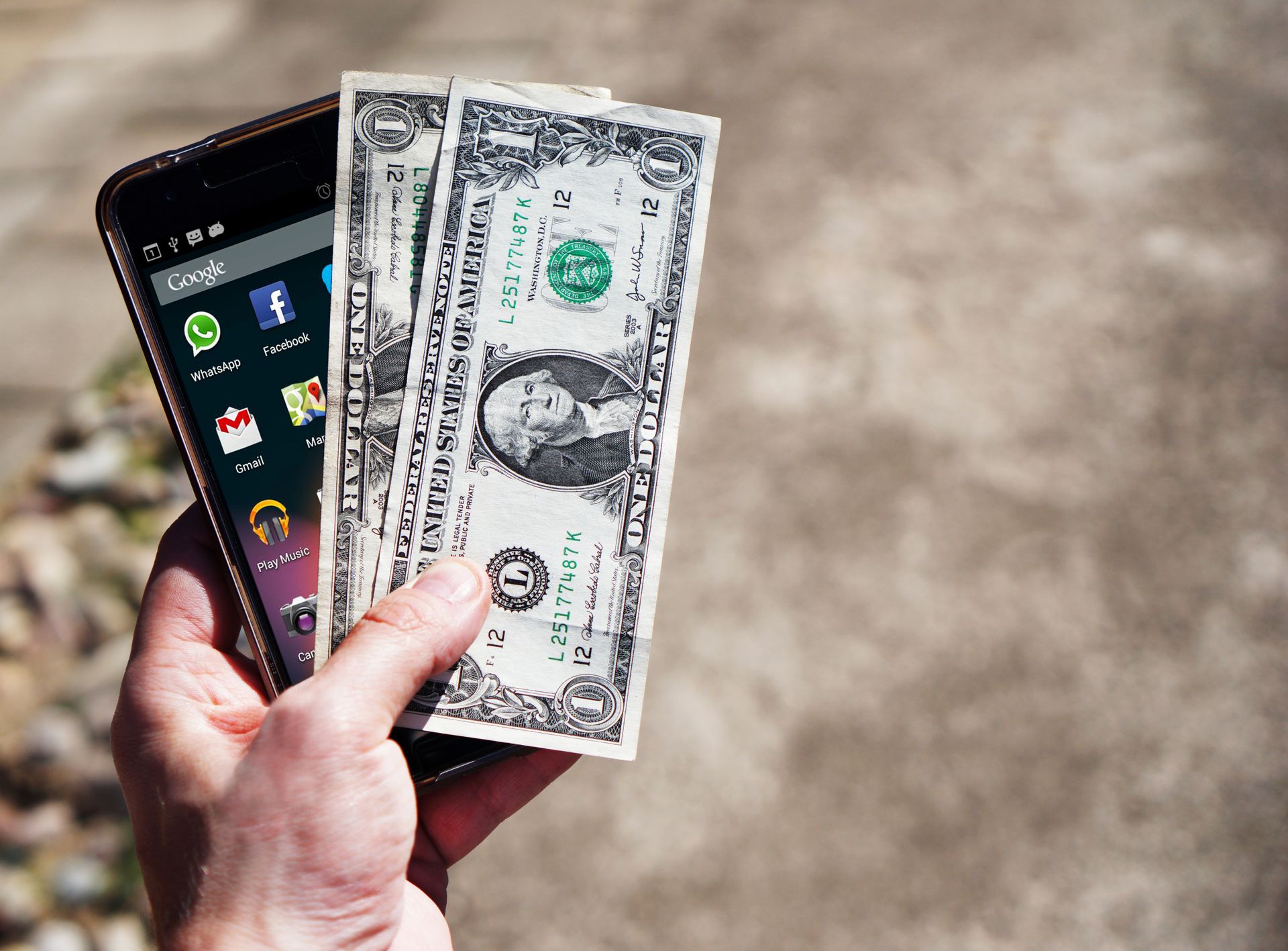
Making money with an Android phone is possible, even if you do not own an expensive computer. Many people use mobile apps to offer services, sell products, create videos or complete small online tasks. However, not every earning app is reliable, and downloading an app does not automatically generate income.
The best approach is to choose an app that matches your skills, available time and preferred payment method. For example, a beginner can explore product reselling, while someone with writing, design or video-editing skills may earn more by offering professional services.
This guide reviews seven options worth exploring, especially for users in Pakistan. Availability, payment methods and eligibility can change, so always check the official platform before investing your time.
Quick Comparison: Which App Is Best?
| App | How You Can Earn | Best For | Difficulty |
|---|---|---|---|
| Upwork | Freelance projects | Skilled workers | Medium to high |
| Fiverr | Selling digital services | Freelancers and creatives | Medium |
| Markaz | Product reselling and commissions | Beginners in Pakistan | Easy to medium |
| Daraz Seller Center | Selling products online | Small businesses | Medium |
| YouTube Studio | Managing a monetized channel | Video creators | Medium to high |
| Canva | Design services and eligible creator royalties | Designers | Easy to learn |
| Toloka | Small online tasks | People seeking flexible tasks | Easy to medium |
1. Upwork — Best for Professional Freelancing
Overview and Review
Upwork connects clients with freelancers who provide services such as writing, programming, graphic design, virtual assistance, translation, SEO and video editing. Its Android app allows freelancers to search for jobs, submit proposals, communicate with clients and manage many aspects of their contracts.
To get started, create a complete profile, select a service you can deliver confidently and prepare examples of your work. Search for relevant projects and send personalized proposals explaining how you can solve the client's problem. Beginners should focus on building a strong reputation instead of promising results they cannot deliver.
Official website: Upwork.com
Mobile app information: Upwork Freelancer App Guide
Editorial rating: 4.5/5 for skilled freelancers
Pros
- Access to clients around the world.
- Many types of professional projects.
- Potential to build long-term client relationships.
- Useful mobile messaging and job-management tools.
Cons
- Competition can be intense.
- Winning your first project may take time.
- Some proposals require Connects.
- Platform fees and withdrawal rules affect earnings.
Verdict: A strong choice if you already have a marketable skill. It is less suitable for people expecting instant money without learning or working.
2. Fiverr — Best for Selling Digital Services
Overview and Review
Fiverr is a freelance marketplace where you create service listings, often called Gigs. You can offer blog writing, logo design, WordPress website setup, thumbnail creation, voice-overs, video editing, data entry and other digital services.
For example, if you know WordPress, you could offer website installation, landing-page design or basic website fixes. If you enjoy graphic design, you could create social media posts and YouTube thumbnails. Use your Android phone to manage messages and orders, but remember that some account setup and advanced tasks may be easier or require a computer browser.
New sellers should create clear service descriptions, use original portfolio samples and set realistic delivery times. Never copy another seller's work or buy fake reviews.
Official website: Fiverr.com
Mobile app guide: Fiverr Mobile App Help
Editorial rating: 4.5/5 for service-based earning
Pros
- You can package services at defined prices.
- Useful for creative and technical work.
- Can be managed partly through Android.
- Positive reviews may help build credibility.
Cons
- New sellers may wait for their first order.
- Competition and pricing pressure are common.
- The platform deducts a share of order revenue.
- Payments are subject to clearance and withdrawal rules.
Verdict: A good option for people who can turn a specific skill into a clear service. It is not a passive-income app; you must deliver quality work.
3. Markaz — Best for Product Reselling in Pakistan
Overview and Review
Markaz is a social-commerce and reselling platform designed for users who want to promote products without necessarily purchasing stock in advance. Depending on the platform's current terms, you can browse products, share them with potential customers through WhatsApp or social media and earn a margin or commission on completed orders.
For example, you might share clothing, home accessories or kitchen products with people who are interested in buying them. Your actual profit depends on the product price, your margin, successful delivery, returns and the current payout policy.
Start by checking product quality, delivery details, return conditions and how commissions are paid. Do not assume that advertised maximum earnings are typical or guaranteed.
Official website: Markaz Reseller App
Editorial rating: 4/5 for beginners in Pakistan
Pros
- Can be started without buying large amounts of stock.
- Product sharing works through familiar social apps.
- May be suitable for students and home-based sellers.
- Can teach basic sales and customer-service skills.
Cons
- Income depends on actual completed sales.
- Product availability and quality can vary.
- Customer complaints or returns can affect profit.
- Commission and payout conditions must be checked.
Verdict: Worth considering if you enjoy talking to customers and promoting products. It is a sales activity, not a guaranteed daily salary.
4. Daraz Seller Center — Best for Running an Online Store
Overview and Review
Daraz Seller Center helps sellers manage their marketplace businesses. Through the seller tools, eligible merchants can monitor orders, update stock and prices, manage product listings and respond to business activity from a mobile device.
You could sell clothing, phone accessories, household goods or other permitted products. Before listing anything, calculate the complete cost: product sourcing, packaging, delivery-related expenses, marketplace charges, returns and any applicable taxes. The difference between your selling price and the product cost is not always your final profit.
Unlike reselling through a third-party catalogue, operating a store may require more responsibility for sourcing products, maintaining accurate listings and managing customer expectations.
Official marketplace: Daraz Pakistan
Android app: Daraz Seller Center on Google Play
Editorial rating: 4/5 for small businesses
Pros
- Marketplace tools for managing online orders.
- Can help businesses reach online shoppers.
- Product listings and stock can be managed by phone.
- Suitable for building a longer-term business.
Cons
- Product sourcing may require investment.
- Seller charges and policies can affect margins.
- Returns and customer issues require attention.
- Competition can make pricing difficult.
Verdict: Best for people ready to operate a small online business rather than those looking for effortless pocket money.
5. YouTube Studio — Best for Content Creators
Overview and Review
YouTube Studio is the management app for a YouTube channel. It helps creators monitor analytics, manage videos and comments, check channel performance and review monetization status. The app supports a business built around original content, but it does not pay users simply for watching videos.
Possible channel topics include Android tutorials, app reviews, technology news, educational explainers, cooking, product comparisons and gaming. Choose a topic you understand and publish helpful videos consistently. You can record and edit much of your content using an Android phone.
Advertising revenue is not automatic. You must meet the relevant YouTube Partner Program eligibility criteria, comply with monetization policies and be accepted. Other earning methods may include eligible memberships, fan funding and shopping features, depending on location and eligibility.
Official app and dashboard: YouTube Studio
Monetization rules: YouTube Partner Program Eligibility
Editorial rating: 4.5/5 for long-term creator businesses
Pros
- Can build a recognizable channel and audience.
- Useful analytics help improve future videos.
- Multiple potential revenue streams.
- Original content can keep attracting viewers over time.
Cons
- Building an audience can take months or longer.
- Monetization has eligibility and policy requirements.
- Video production requires consistent effort.
- Reused or copyrighted content can cause problems.
Verdict: A good long-term option for people who enjoy teaching, entertaining or explaining things on video. Do not expect immediate income.
6. Canva — Best for Earning Through Graphic Design
Overview and Review
Canva is a design app that helps users create social media posts, presentations, flyers, posters, thumbnails, simple videos and other visual content. Beginners can learn the basics on Android and use those skills to offer design services to businesses, creators and online clients.
One practical strategy is to create a portfolio of original designs, then offer packages for social media graphics, business flyers or YouTube thumbnails on freelance platforms. You can also explore the Canva Creators program, but earning royalties through it requires meeting its participation and content requirements. Acceptance is not guaranteed.
Official website: Canva.com
Creator program: Canva Creators
Editorial rating: 4.5/5 for beginners learning design
Pros
- Beginner-friendly design tools.
- Useful for creating a portfolio on a phone.
- Many potential design-service categories.
- Can support freelancing or an existing business.
Cons
- Design skills still take practice.
- Free features have limitations.
- Clients may expect revisions and quick delivery.
- Creator royalties require eligibility and accepted submissions.
Verdict: Excellent as a tool for earning from design services. Treat direct creator-program income as a separate opportunity, not an automatic payment for every design.
7. Toloka — Best for Small Online Tasks
Overview and Review
Toloka offers online tasks that may involve reviewing information, checking images, evaluating search results or helping with data-related projects. The types and quantity of available tasks depend on your location, account eligibility, qualifications and current customer demand.
Unlike freelancing, some tasks may require little specialist experience. However, they can pay relatively little for the time involved, and not every user will have a steady supply of tasks. Read each task's instructions carefully, since rejected work may not be paid.
Toloka's published app information describes earnings in dollars and withdrawals through Payoneer in supported circumstances. Before working, confirm that onboarding and withdrawals are currently available for your country and account.
Official website: Toloka.ai
Android app: Toloka on Google Play
Editorial rating: 3/5 for supplementary income
Pros
- Some tasks require limited prior experience.
- Can fit around other responsibilities.
- May provide practice with online evaluation tasks.
- Offers a way to explore task-based online work.
Cons
- Tasks and earnings can be inconsistent.
- Some work takes longer than expected.
- Eligibility and payout options vary by region.
- It may not provide a dependable full-time income.
Verdict: Consider it for occasional extra earnings, after checking task availability and withdrawal options. Avoid depending on it as your only source of income.
Which Android Earning App Should Beginners Choose?
The best choice depends on what you can do and how you want to earn. There is no single app that is best for everyone.
- If you have no professional skill yet: Learn basic graphic design with Canva or explore product reselling through Markaz.
- If you can write, design or build websites: Try Fiverr or Upwork and create a small portfolio before applying for jobs.
- If you have products to sell: Research Daraz Seller Center and calculate your costs before listing products.
- If you enjoy making videos: Use YouTube Studio to manage a channel and track progress toward monetization.
- If you want small online tasks: Check Toloka's current task availability and payment support in your region.
How to Start Earning From Your Android Phone
Step 1: Choose One Method
Do not sign up for every earning app at once. Select one option that suits your skills, internet access and available time. Concentrating on one method makes it easier to understand how it works.
Step 2: Set Up Your Profile Properly
Use accurate information, a professional profile description and examples of your work where relevant. Follow each platform's age, identity-verification and account rules. Never create fake accounts to bypass restrictions.
Step 3: Practise Before Expecting Income
Build sample designs, write practice articles, make demonstration videos or research products before offering a service. A small portfolio helps potential customers understand what you can deliver.
Step 4: Check How Payments Work
Review the platform's fees, minimum withdrawal requirements, payment methods and processing times. For users in Pakistan, confirm whether your account can withdraw funds through a supported local bank or payment provider. Do not assume every app supports JazzCash, Easypaisa or Payoneer.
Step 5: Track Your Real Profit
Record the time you spend, fees you pay, costs you incur and money you actually receive. For selling products, subtract product costs, shipping-related expenses, returns and platform fees. A large sales figure does not necessarily mean a large profit.
How to Avoid Fake Money-Earning Apps
Online earning scams often use unrealistic promises to attract people. Be especially careful when an app claims you can earn a large amount every day simply by tapping a button or watching advertisements.
- Never pay to unlock a withdrawal: A demand for a deposit, recharge or activation fee is a major warning sign.
- Do not share OTPs or wallet PINs: Keep your banking and payment credentials private.
- Download from official sources: Check the developer name and permissions before installing an app.
- Avoid guaranteed-income claims: Genuine earnings depend on work, demand, eligibility or sales.
- Check the withdrawal policy first: Understand the minimum payout and any fees before completing tasks.
- Do not fake your location: Misrepresenting your country can violate platform rules and put your account at risk.
- Protect your time: Estimate how much you earn per hour, rather than focusing only on the displayed balance.
Frequently Asked Questions
Can I earn money using only an Android phone?
Yes. You can offer freelance services, design graphics, sell products, manage a YouTube channel or complete eligible online tasks. Some advanced work may be easier on a computer, but a phone can be enough to start.
Which earning app is best for Pakistan?
Markaz may suit people interested in reselling, while Fiverr and Upwork may be better for users with digital skills. Daraz Seller Center is worth exploring if you want to run an online store. Your best choice depends on eligibility, demand and payment support.
Are money-earning apps really free?
Some platforms are free to join, while others may charge service fees, proposal costs or transaction fees. Read the official terms carefully. Never pay an unknown person to activate an account or release supposed earnings.
How much money can I earn per day?
There is no reliable daily amount that applies to everyone. A freelancer may earn nothing while searching for clients and then receive payment for a project. A reseller earns when eligible orders are completed, and a creator may need a long time to qualify for monetization.
Do I need special skills to earn online?
Not for every task, but skills usually improve your opportunities. Writing, design, video editing, customer service, translation and online selling are useful starting points. Choose one and practise regularly.
Can these apps pay directly to JazzCash or Easypaisa?
Do not assume they can. Payment methods depend on each platform's current rules and your account's country. Verify the official withdrawal options before investing time, and never give an app your wallet PIN or OTP.
Final Verdict
The best Android apps to earn money are the ones that match your abilities and provide a clear, legitimate way to get paid. Upwork and Fiverr are strong choices for skilled freelancers, Markaz offers a route into product reselling, Daraz Seller Center supports online sellers, YouTube Studio helps creators manage monetized channels, Canva supports design work, and Toloka offers eligible users small online tasks.
Start with one platform, learn its rules, protect your personal information and focus on delivering real value. Avoid apps that promise instant wealth. Building a reliable online income usually takes patience, consistent effort and a willingness to improve your skills.
Updated for 2026. Check each platform's official website for the latest features, eligibility and payment policies.